
AI-Powered Development: Jumping in the Deep End
I've been working in the software field for about 9 years now, long enough for my title to read Senior Software Engineer. I have experienced some big changes in that time: ReactJS dominating the frontend, containerized deployments, CI/CD. None of these have had quite the same impact as AI coding assistants.
Like many, I was skeptical. I dabbled at first in my previous job, using the free tier of Claude as a context-aware search tool. I was impressed; it felt like going back to the glory days of Google Search before SEO and the ad-pocalypse made it hard to get relevant results. I wasn't at the point of giving Claude the wheel, though.
Fast-forward to August, when I left to join my current company. NGS is very much on the AI-powered development train, so I had some catching up to do. Lucky for me, I joined right as they launched their Claude Days of Summer event. They let us set aside some time each week to use the company Claude subscription to work on a fresh project with the goal of familiarizing ourselves with full AI-powered development. So, I dove in.
The Project
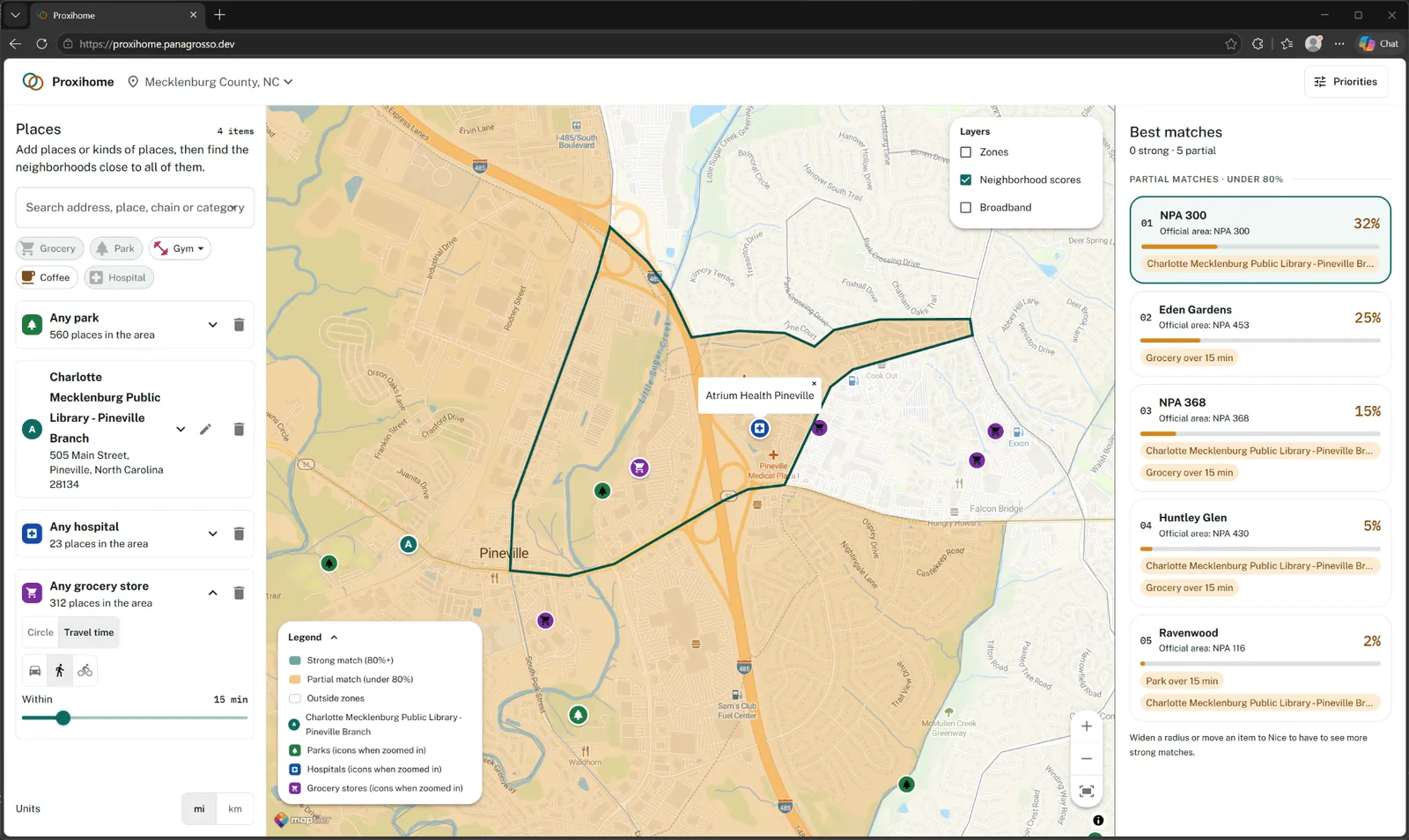
My project was a tool to solve a problem that many face: how do you pick a place to live that's close to the things you want? I wanted to be able to pick a city, list the places and services that I wanted to be near, and generate a list of neighborhoods that matched the criteria.
The Start
I started this new project like many before, brainstorming and planning. I stuck with the kind of AI use I already knew, prompting for information. I started a conversation with Claude and laid out the goals of the project and what I envisioned. Claude hit back with clarifying questions and some suggestions. Technologies to use, data sources, API access to those data sources, budget, deployment strategy: Claude asked great questions. After some back-and-forth, I had a plan with some great additions I would not have known to include.
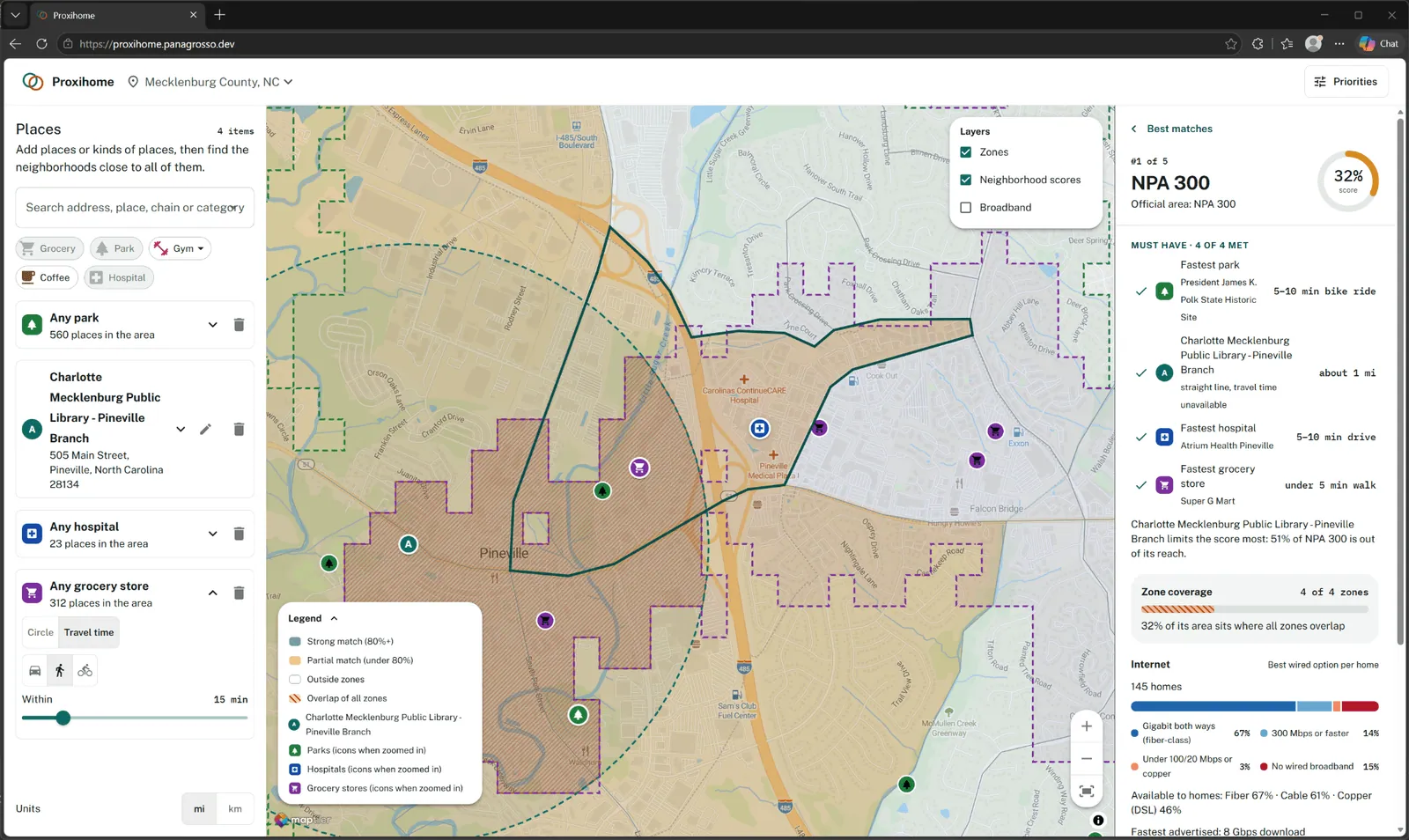
For example: isochrone distance! Isochrone distance is the area that can be covered in a given time, usually by foot, bicycle, or car. I was originally planning on just using straight-line distance. This was a big improvement on my original plan.
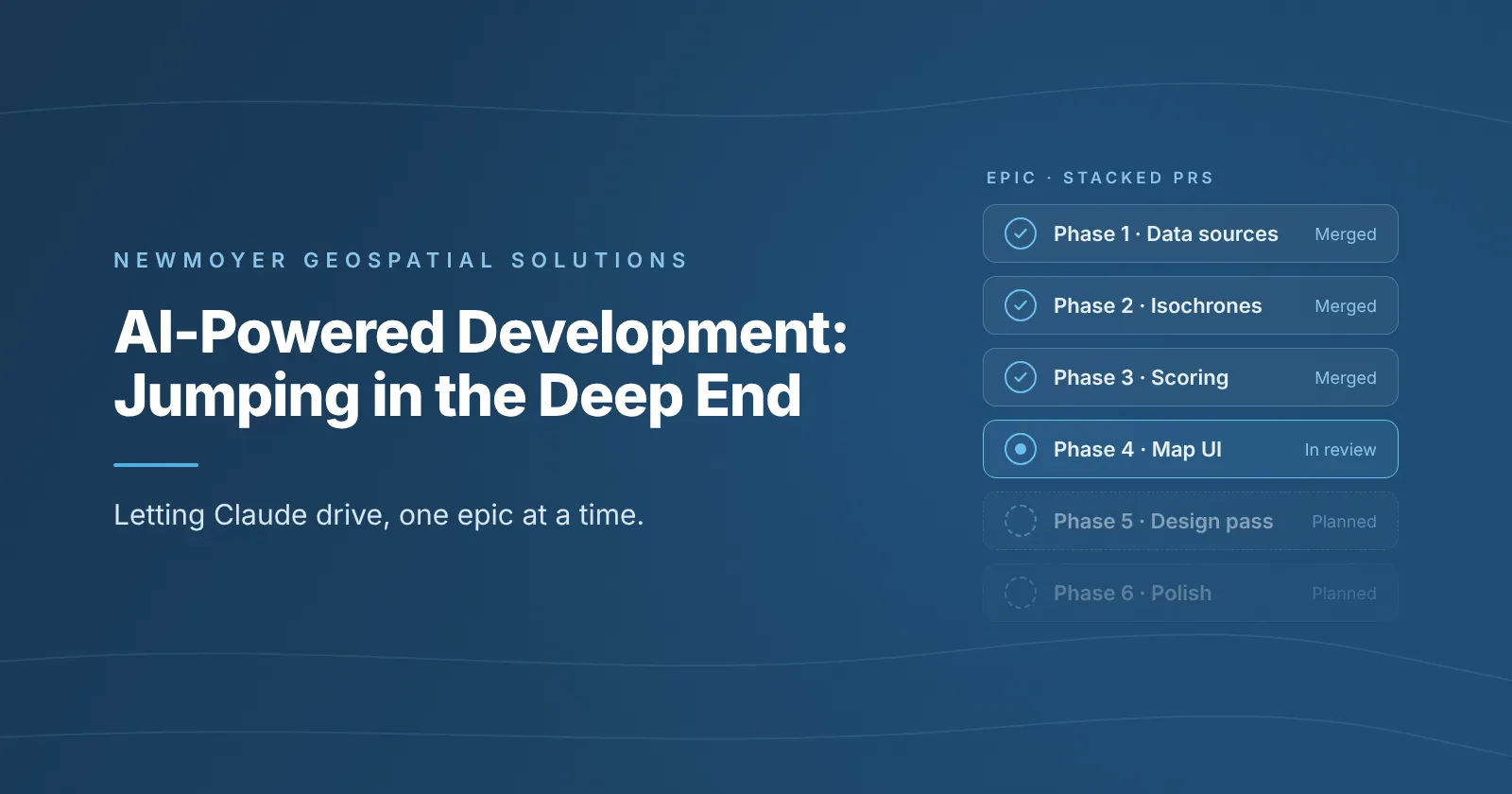
I decided to task Claude with breaking down the project into implementation phases and creating GitHub issues and epics to track the work. On review of what it created, I was impressed. It laid out six phases that built functionality incrementally so I could test the implementation as it was built. It wasn't perfect; I had some questions, which Claude and I worked through together. After that, it was implementation time.
Work Begins
Then came the hard part: letting Claude drive. I told Claude to pull down the first issue and begin working in Plan Mode. I wanted to give Claude heavy guidance as early as possible, and Plan Mode is great for that. It made its plan; I reviewed the plan and made corrections or asked clarifying questions, and Claude answered. When I was satisfied, I let Claude go and build from the plan and asked it to open a PR in GitHub so I could review. It finished, and I started reading the code. Again, I liked what I saw. Claude was fast and wrote pretty decent code. Code changes were made quickly, and the PR was merged. The cycle repeated.
Workflow Improvements
I noticed I was repeating myself: “Merged, pull down the next open issue and implement.” Lucky for me, having Claude write the GitHub issues in phased epics helped a lot here. Instead, I could direct Claude to implement an entire epic. Claude asked some clarifying questions on how to work the multi-issue epic, which is how I learned about stacked PRs in GitHub. I confirmed that was what I wanted and let it proceed. This reduced my repetitive prompting.
A new problem emerged: PRs were coming fast and reviewing them was challenging. I turned again to a new prompt: “Can you perform a code review on this PR with a fresh set of eyes? Look for areas where best practices are not being followed.” I added the second sentence after noticing Claude taking shortcuts in earlier PRs. This caught many issues I was missing because of the volume of code. Claude flagged race conditions, performance improvements, and even some user-flow problems.
More and more, I found myself checking the UI interactions and verifying from there instead of reading code. That's where I found many issues; so far, Claude isn't great at finding UI interaction problems when prompted to code review in this way. Once they're pointed out, it's quick to correct them. The eternal Z-index struggle lives on!
Features were getting implemented, and the application was coming together quickly. One thing I was quickly noticing was that my application was looking very “engineer-designed”: functional but not pretty. I prompted Claude to see if it could create some design mocks. It delivered! After some back-and-forth to clean up some things I didn't like, I had my new design. Following the earlier planning pattern, I asked Claude to take these designs and create a series of GitHub issues to implement. Once that was done, I tasked Claude with implementation and let it work.
Lessons Learned
I've learned a lot from this project and through my interactions with Claude. Going forward, I would make some changes to my workflow.
- Claude works best when it has context. Context can come in many forms: designs, tests, benchmarks.
- When your prompt is vague, ask Claude to come back with questions first. It gets better results.
- Move the design prompt into the planning phase. Some regressions and strange behavior would have been avoided had this been done earlier in the process. Best part: more context for Claude!
- Break tasks into smaller pieces for finer-grained control. Claude has more chances to ask you questions, and you can catch issues earlier. Ask Claude to break down big tasks!
I'm excited to keep learning and working this technology into my workflows!