
Why Every Team Should Dockerize Local Development (and When to Add Auth)
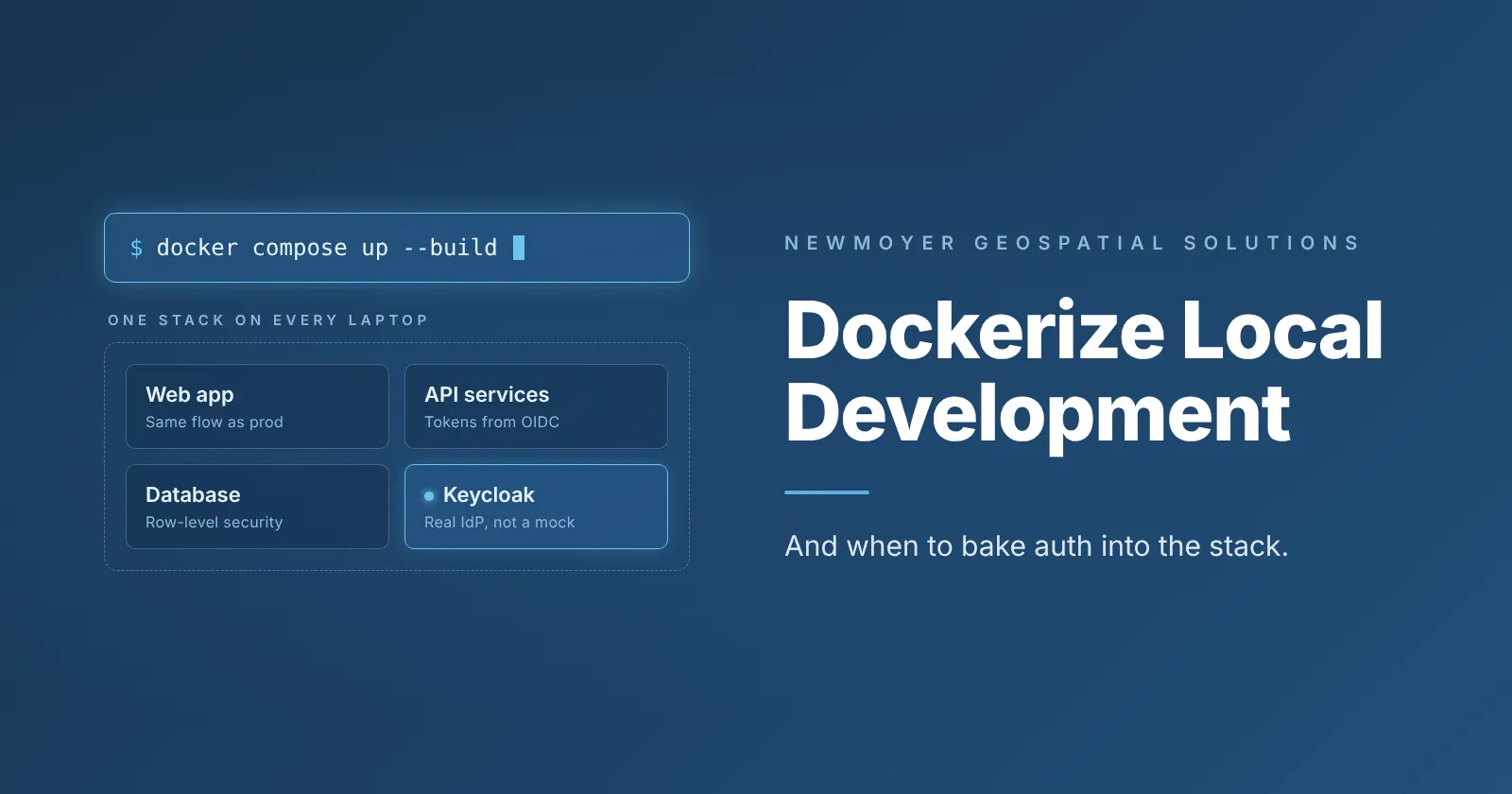
Short answer: should you Dockerize local development?
Yes. Dockerizing local development gives every developer the same environment, cuts setup from days of documentation to a handful of commands, and makes the move to staging and production smoother. Adding an identity provider such as Keycloak to that setup is worth it only when your app needs it, for example, when database row-level security (RLS) requires real, validated users.
That is the advice from Johnny Pongetti, Sr. Software Engineer at Newmoyer Geospatial Solutions (NGS), who moved his team from IT-provided virtual machines to a containerized local stack with Keycloak and OpenID Connect (OIDC). In his words, the one sentence to remember is: dockerize your local environments.
Why do teams hesitate to Dockerize local development?
Many teams skip Docker locally because running everything directly on a machine feels easier than learning containers. Johnny sees it differently: the up-front effort pays for itself quickly.
According to Johnny, containerizing local development delivers three benefits:
- Faster development. Services build and start the same way for everyone.
- Easier cloud deployment. A containerized local setup is closer to what ships.
- Realistic production behavior. You can run identity providers and replicate what happens in a production instance.
The common objection is that it is not worth the effort. He answers that a small amount of upfront time gets the environment working and then keeps paying back.
What was wrong with local development before Docker?
Before Docker, every NGS developer worked from a virtual machine (VM) supplied by the IT department. Each VM was configured in a general way, so it did not include the actual software. Developers still had to pull the product and get it running themselves.
Authorization was the hard part. The VM shipped with a pre-baked authentication setup, and services depended on tools installed at specific locations on the VM to get tokens.
Because the mechanism was built into how the VMs were provisioned, there was no easy way to move away from it while staying on the VMs. Setup also meant long documentation that was often out of date and frequently required asking colleagues for help.
How does a Dockerized setup work with Keycloak and OpenID Connect?
The entire stack now runs locally inside containers on Docker, including the identity provider. The team uses Keycloak as the identity and access management server and OpenID Connect (OIDC) as the authentication protocol.
The move required refactoring code and writing new scripts. Instead of expecting a binary to exist on the machine, services now call Keycloak endpoints directly whenever they start up or need a new token.
The setup runs the real thing, not a mock. It is a full Keycloak OIDC setup that follows the same workflow a production instance uses for a real user. The one shortcut is a baked-in admin user rather than an account per developer, and that user exists only in the local setup. In production, mainly the URLs change. Keycloak is open source and OIDC is an open standard, which fits the open-standards approach NGS builds on.
Why run real authorization locally?
The software uses row-level security (RLS) policies that are enforced on every read and write. With RLS enabled, a no-authorization development mode is impractical, so the team needs a realistic identity provider and has to test workflows with users who hold valid tokens.
A shared Keycloak instance where each developer has an individual account is an option for later, but the team has not yet pursued it.
How much faster is onboarding with Docker?
Team members who switched to the local Docker setup were running in about 20 minutes on their first try, even though none of them had used Docker before. After that first run, setup takes about 5 to 10 minutes, including container builds. Onboarding went from pages of often outdated documentation to a short process.
| Before (VMs) | After (Docker) | |
|---|---|---|
| Setup guide | Pages of documentation, often outdated | 1 command |
| Time to running | Often a day or more | About 20 minutes the first time; 5 to 10 minutes after that |
| Help needed | Frequently asked colleagues to resolve errors | Rarely, if ever |
The ideal Dockerized environment needs one command, such as a single docker compose up --build, to build all services and get everything running. The current setup takes four or five because some external services use a separate Docker build. Simplifying that is on the team's list.
No brand-new hires have joined yet, so these results come from existing team members who migrated off their VMs.
How does this prevent environment drift?
Environment drift happens when staging or production behaves differently from what developers see locally. Because the local stack uses a real identity provider, the team follows the same workflow in development, staging, and production. That avoids surprises that a no-authorization development mode could hide until later.
What were the trickiest problems to solve?
Three issues stood out, and the first was the hardest.
- Replacing the baked-in binary. Services had to stop calling a binary expected at a fixed path and instead call Keycloak endpoints through new scripts and code changes.
- Expired sessions caused a blank page. Keycloak sessions started at login, or by the script, expired after roughly 30 minutes. The web server then neither redirected to Keycloak nor refreshed the token, so users saw a white page. A web server configuration change made it call the refresh endpoint when a token expires.
- Self-signed HTTPS certificates. Local HTTPS works, but browsers warn that the certificate authority is not trusted, and users must accept it manually. The fix is straightforward and is on the list, for example, by setting up the team's own local certificate authority with a tool such as mkcert.
When should a team add auth to its Docker setup?
Add it only when the application requires it. Johnny recommends that every team Dockerize local development because it keeps everything in sync, but he does not recommend baking authorization into every team's setup.
- Add it when constraints like database row-level security force you to test with authorized users who hold valid tokens.
- Skip it when your app has no RLS or similar requirement, such as role-based access in the UI, single sign-on flows or service-to-service tokens. Containerized authentication is then extra overhead that the team does not need.
Johnny invites readers to challenge this tradeoff: is a full identity provider in every local stack worth the overhead? He also wants to hear from anyone who tried Dockerizing local development and now disagrees with it.
Key takeaways
- Dockerize local development to keep every developer's environment consistent and cut onboarding time.
- Run a real identity provider locally if your database uses row-level security or your app has similar auth requirements, so local, staging, and production follow the same workflow.
- Skip containerized authorization if your app has no RLS or similar requirement.
- Expect a few rough edges at first, such as token refresh and self-signed certificates, and plan to simplify the build to as few commands as possible.
Frequently Asked Questions
What does it mean to Dockerize local development?
It means running your application and its supporting services in containers on your own machine, rather than installing everything directly or on a shared virtual machine. Every developer then works in the same configured environment.
Does Dockerizing local development really save time?
Yes. At NGS, team members with no prior Docker experience were running in about 20 minutes, and later setups take roughly 5 to 10 minutes, including container builds. It replaced pages of documentation that were often out of date.
Can you run Keycloak in Docker for local development?
Yes. NGS runs a full Keycloak and OpenID Connect setup in containers on each developer's machine, with services calling Keycloak endpoints to get tokens.
Why use a real identity provider locally instead of a mock?
It keeps local development aligned with staging and production. When the same authorization workflow runs everywhere, you avoid issues that stay hidden if you develop without authorization.
What is row-level security, and why does it matter here?
Row-level security (RLS) applies access rules to individual database rows on every read and write. With RLS enabled, a no-authorization development mode is impractical, because requests need valid, authorized users.
Do all teams need authorization in their local Docker environment?
No. Johnny recommends it only for teams with requirements like RLS. For apps without RLS or similar requirements, containerized authentication is extra overhead.
How do you prevent environment drift between local, staging and production?
Run the same kind of components everywhere. Using a real Keycloak OIDC workflow locally means the move to staging or production changes mainly the URLs.
Why does an expired session show a blank white page?
In NGS's case, Keycloak sessions expired after about 30 minutes, and the web server neither refreshed them nor redirected to Keycloak. Configuring the web server to call the refresh endpoint on expiry fixed it.
How do you handle self-signed certificate warnings in local HTTPS?
Self-signed certificates work, but browsers warn that the certificate authority is untrusted. NGS plans to fix this, for example by running its own certificate authority.
Can Docker local setup be reduced to one command?
Ideally yes, for example a single docker compose up --build. NGS's current setup uses one command to get the base required stack up and running, with additional commands for portions of the software that are used less often.
About NGS
NGS is a geospatial engineering company that delivers secure, scalable, and interoperable software solutions for government, defense, and commercial customers.