
CoreSpatial Basemaps: offline basemaps for disconnected GIS
CoreSpatial Basemaps put a complete global basemap on your own network. OpenStreetMap, imagery, elevation, and military grids are served from your infrastructure, so maps keep working when the outside connection is limited, intermittent, or gone entirely.
Detail you can build decisions on
A dependable foundational layer with high-resolution imagery, extensive geographic coverage, and regular updates, enhancing visualization, supporting accurate analysis, and improving the experience for every user of your maps.
- High-resolution imagery
- Extensive geographic coverage
- Regular updates
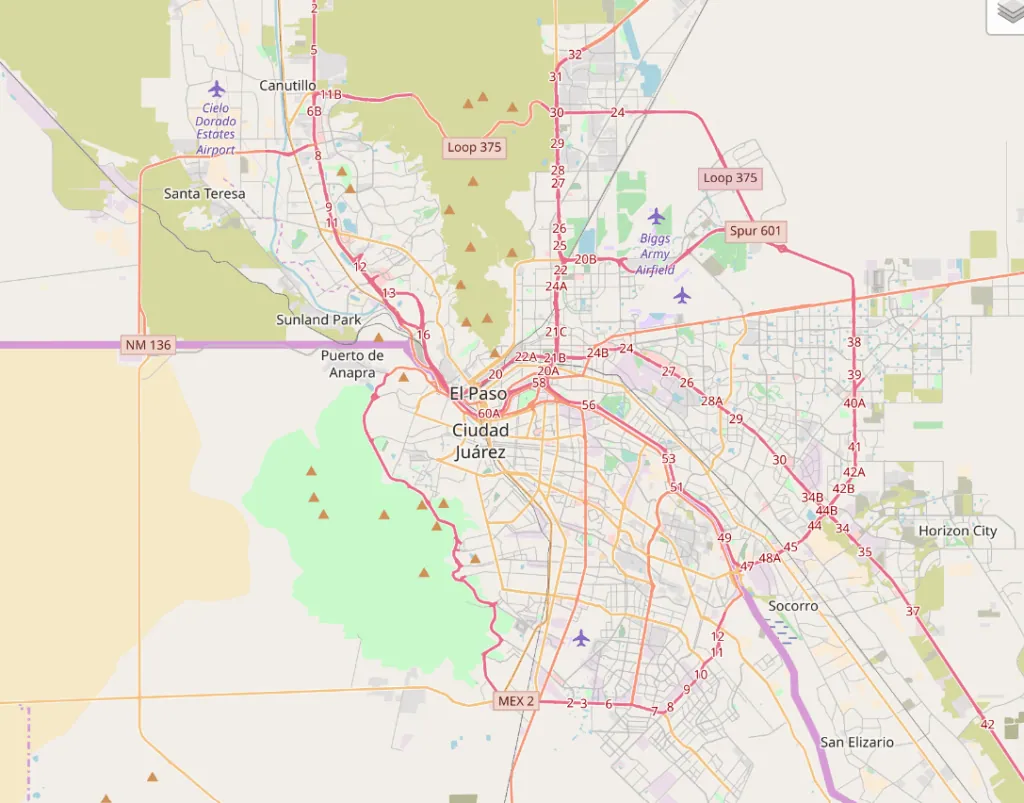
CoreSpatial Basemaps layers
Every CoreSpatial Basemaps deployment ships with these pre-configured global layers, ready to serve the moment it is installed.
| Streets and features | OpenStreetMap, worldwide, updated quarterly |
|---|---|
| Imagery | NASA/USGS Landsat, about 30 m global, extensible with your own high-resolution imagery |
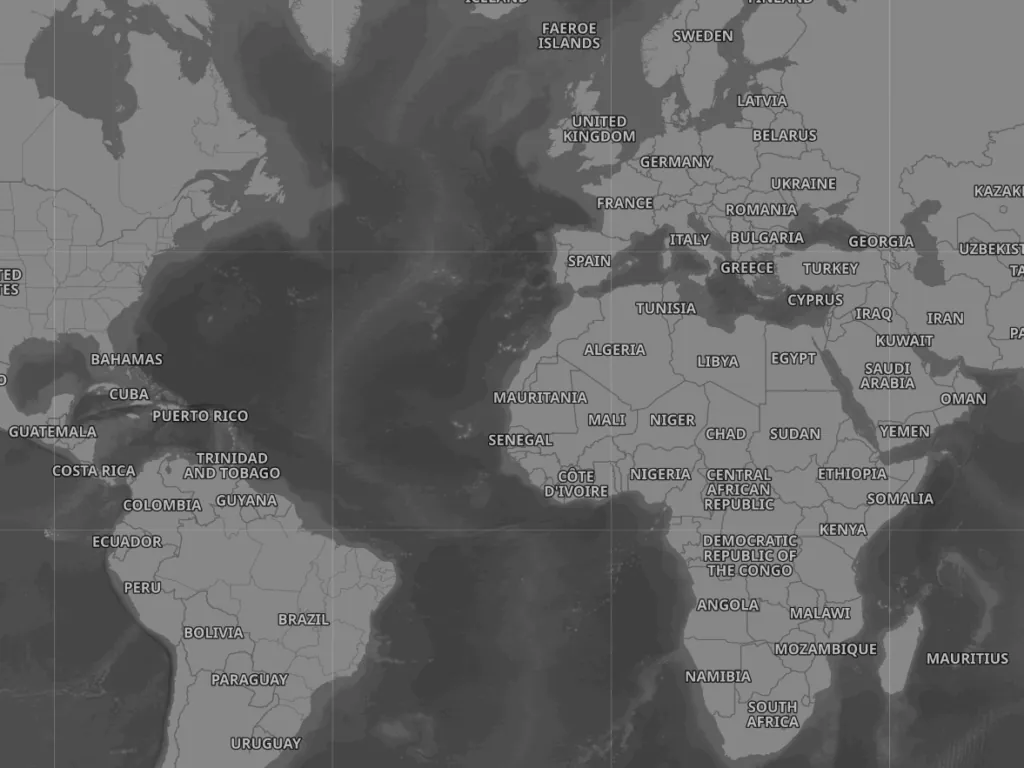
| Elevation | CGIAR SRTM, 90 m global |
| Reference and context | Natural Earth and NASA Blue Marble |
| Military grids | NGA MGRS and UTM grids |
How CoreSpatial Basemaps work offline
Defense and government teams often run GIS where a cloud basemap is not an option. CoreSpatial Basemaps are designed for exactly that.
- Deploy on your network. The basemaps are served by CoreSpatial Server on your own infrastructure, from a full Kubernetes cluster down to a lightweight container runtime at the tactical edge.
- Publish as standard services. Layers are delivered over OGC standards and vector tiles, so existing web, desktop, and mission applications can consume them without a proprietary client.
- Add your own imagery. CoreSpatial Map Manager turns drag-and-drop imagery uploads into high-resolution layers on top of the global base.
- Refresh on a schedule. OpenStreetMap is updated every quarter with each CoreSpatial release, so a disconnected deployment does not drift out of date.
NGS has delivered enterprise basemaps into multiple classified domains and disconnected, bandwidth-constrained enclaves for USSOCOM (AIDE Core Geospatial Services), and replicated imagery to on-premises and tactical edge sites for SOF in INDOPACOM (see the case study). Need a one-time offline package for your own stack instead? See Basemap and Data Provisioning.
Cross-Industry
A reliable foundational layer for a wide range of projects, with high-resolution imagery and varied thematic options for specific project needs.
Customization
Integrates smoothly with CoreSpatial and other systems, with extensive customization including visual adjustments and proprietary data integration.
Support
Full support from integration to customization, with regular updates and ongoing technical support to keep you current.
From a global OSM base to hybrid imagery
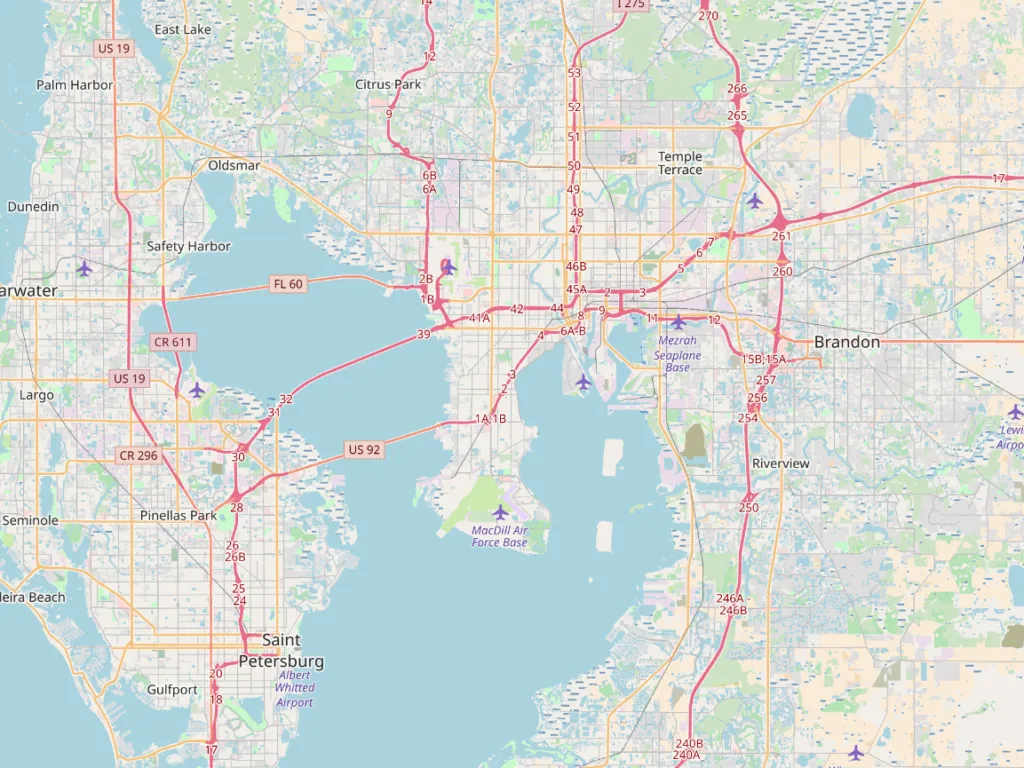
Start with worldwide OpenStreetMap coverage and layer in high-resolution imagery and hybrid styling where the mission needs it, consistent from a global overview down to individual city blocks.

One basemap, many looks

CoreSpatial Basemaps questions
What are CoreSpatial Basemaps?
CoreSpatial Basemaps are the pre-configured global basemap layers in CoreSpatial by NGS: OpenStreetMap, Landsat imagery, SRTM elevation, Natural Earth, NASA Blue Marble, and NGA MGRS and UTM grids, served from your own infrastructure.
Do CoreSpatial Basemaps work without an internet connection?
Yes. The basemaps are hosted on your own network by CoreSpatial Server, so they keep working in disconnected and bandwidth-constrained environments with no dependency on an outside tile service.
How are offline basemaps kept up to date?
OpenStreetMap data is refreshed quarterly as part of the regular CoreSpatial release, and you can add or replace imagery at any time through CoreSpatial Map Manager.
Can I add my own high-resolution imagery?
Yes. The global Landsat layer is a starting point. Upload your own imagery through CoreSpatial Map Manager and it is converted, tiled, and published on top of the base.
Which applications can use CoreSpatial Basemaps?
Anything that speaks OGC standards or vector tiles, including CoreSpatial Portal, OpenLayers, CesiumJS, and desktop GIS clients.